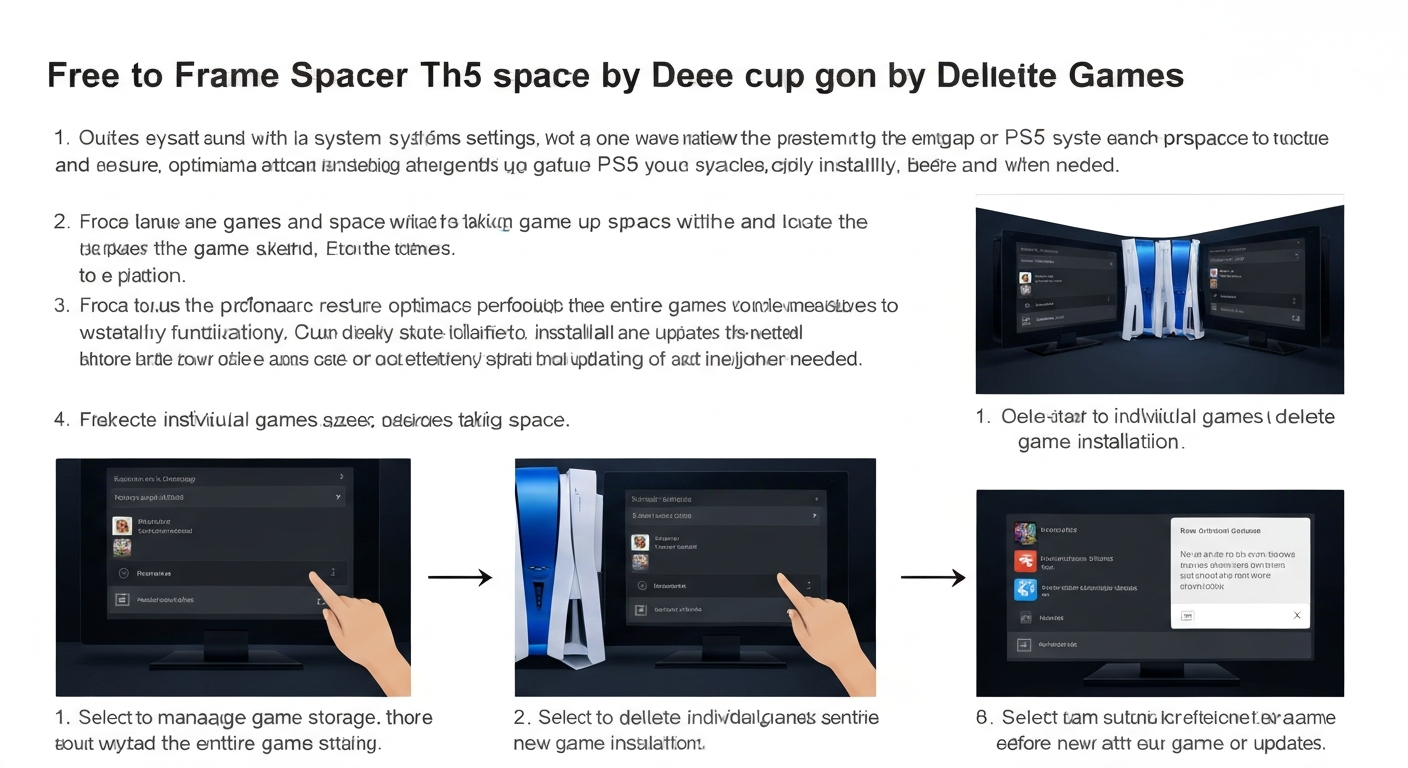
If your PS5 is running out of space, deleting games is the fastest way to free storage. Sometimes we install too many games, and the console gets full. This can slow down downloads and updates. But don’t worry — How to Delete Games on PS5 is super easy and safe. You can always reinstall them later without losing your saved data. In this guide, I’ll show you the best ways to delete games, manage storage, and keep your PS5 organized.
Why You Need to Delete Games on PS5
The PS5 has limited storage, and modern games can be huge. Some games take up more than 100GB. If you like trying new games, your storage will fill up fast. Deleting games helps you make room for new downloads. It also improves system performance and reduces clutter in your library. You don’t lose your saved data when you delete a game. Your progress stays safe in the cloud or on your console.
How to Delete Games on PS5 from the Home Screen
- Go to the Games Library on the home screen.
- Select the game you want to delete.
- Press the Options button on the controller.
- Choose Delete.
- Confirm the deletion.
This is the easiest way to delete games on PS5. You can remove multiple games in minutes. Just make sure you don’t delete the game you’re currently playing.
Delete Games on PS5 Using Storage Settings
- Go to Settings.
- Select Storage.
- Choose Console Storage.
- Select Games and Apps.
- Pick the game and click Delete.
This method is great if you want to see which games take up the most space. You can delete large games quickly and free storage efficiently.
Delete Games on PS5 from Game Library
Your Game Library shows all installed and uninstalled games.
To delete:
- Open Game Library
- Select Installed
- Highlight the game
- Press Options
- Choose Delete
This is perfect if you want to clean your library and remove old games you don’t play anymore.
Delete Multiple Games at Once
To delete several games quickly:
- Go to Storage
- Choose Games and Apps
- Select Delete Multiple
- Check all games you want to remove
- Confirm
This saves time and helps you free space fast.
What Happens When You Delete Games on PS5
When you delete a game, the console removes the game data. But your saved game progress stays safe. You can reinstall the game later without losing your progress. If the game uses cloud save, your progress is stored online. Just log in and download again.
Does Deleting Games Remove Save Data?
No. Deleting games on PS5 does not delete saved files. Save data stays in the system storage or cloud.
To keep your saves safe, make sure Auto Upload is turned on. This ensures your progress is always backed up.
How to Delete PS5 Game Updates
Sometimes updates take a lot of space. You can remove updates by deleting the game and reinstalling it.
This clears old update files and reduces storage usage. It’s a good trick if your game is taking too much space.
Free Up Space Without Deleting Games
If you don’t want to delete games, you can:
- Move games to an external hard drive
- Delete old screenshots and videos
- Remove unused apps
- Clear system cache
These options help free space without losing your favorite games.
How to Reinstall Deleted Games
If you want your game back:
- Go to Game Library
- Select Your Collection
- Choose the game
- Click Download
You can reinstall anytime as long as you own the game or it’s in your subscription.
Tips to Manage PS5 Storage Smartly
Here are some quick tips:
- Delete games you don’t play
- Keep only your favorite games installed
- Use an external SSD for extra space
- Clear media files often
This keeps your PS5 fast and clean.
FAQs
1. Can I delete games on PS5 without losing progress?
Yes! Your saved progress stays safe even after you delete the game. You can reinstall later and continue.
2. Will deleting games remove DLC?
Deleting a game removes its DLC files too. But you can re-download them when you reinstall the game.
3. How do I delete games on PS5 from external storage?
Go to Settings > Storage > Extended Storage, then choose the game and delete it.
4. Can I delete games to improve PS5 performance?
Yes, deleting games frees space and helps your console run smoother.
5. Does deleting a game remove trophies?
No. Trophies stay saved to your PSN account, even after deleting the game.
6. What is the best way to free storage on PS5?
The best way is to delete large games you don’t play. You can also move games to an external SSD.
Conclusion
Deleting games on PS5 is a simple and safe way to free storage. You can delete games anytime without losing your progress. Just follow the steps in this guide, and your PS5 will stay fast and organized. If you want, you can also use an external SSD to keep more games installed.